2022. 1. 23. 19:39ㆍ개발의 흔적/데이터분석
conda install -c conda-forge wordcloud
#우선 워드클라우드 라이브러리를 설치
import numpy as np
from PIL import Image
from wordcloud import WordCloud
import matplotlib.pyplot as plt
#numpy library는 다차원 벡터를 계산해주는 라이브러리
(linear algebra 좀 잘 공부해놓을껄...)
현재는 image file을 2차원 배열화 해주기위해 import
# Image : png파일 load하기위해 import
text = open('./week03/data/Sequence_01.txt', encoding='UTF-8') #인코딩 하지 않으면 오류
text = text.read()
text

#위의 개행자 (\n) 없애주기위해 replace 함수 사용
text.replace('\n', "") #빈칸으로 대체

#그러나 불러올 txt파일이 총 14개 있으므로..
for문을 이용해 한 번에 불러오기
result = ""
for number in range(1,15):
index = '{:02}'.format(number) # 2 -> 02 두자리로 변환
filename = "./week03/data/Sequence_" + index + ".txt"
text = open(filename,'r', encoding = 'UTF-8-sig') # utf-8 을 한글깨짐 보완위해 쓰는건데...
result+= text.read().replace('\n', " ")
result
이제 연산자 없애주기위해 정규식 사용
import re #정규식
pat = '[^\w\s]' # ^ : 기호 바로 뒤 문자로 문자열이 시작
# \w : 알파벳 한개 의미
# \s : 공백이나 tab 의미
# [] : search
# 즉 기호뒤에 문자 or \n이 있는 것을 탐색하라
text = re.sub(pattern = pat, repl=' ', string=result) #re.sub(패턴, 패턴 대체할 문자열, 원본data)
text
#이제 WordCloud로 위 text 표현해 줄 것 -> 이 라이브러리는 글꼴변환이 안되어있으므로 한글 깨짐 -> 폰트 지정
import matplotlib.font_manager as fm
for f in fm.fontManager.ttflist :
if 'Gothic' in f.name:
print(f.fname)
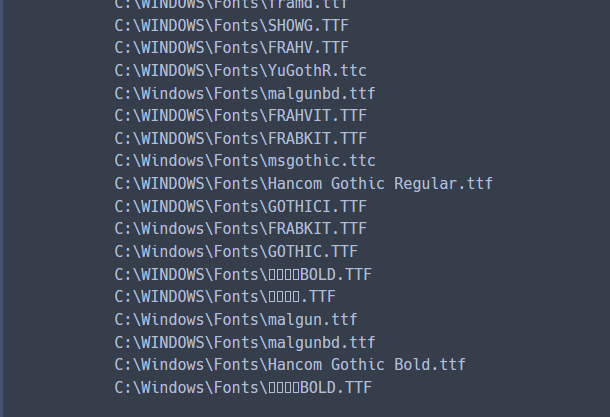
#이들 중 한글글꼴을 포함하고 있는 폰트파일로 대체 해줄 것!
font_path = 'C:\WINDOWS\Fonts\Hancom Gothic Regular.ttf'
wc = WordCloud(font_path, background_color="white" )
wc.generate(text)
plt.figure(figsize=(50,50))
plt.axis("off") #각 문자열 수를 세주는 것이기 때문에 차원이 아니므로
plt.imshow(wc) # = image show
plt.show()

# 이제 위의 numpy와 Image import한거 사용해서 다시 워드클라우드 그려보자!
mask = np.array(Image.open('./week03/data/sparta.png')) #image file 행렬 만들어서 masking
wc = WordCloud(font_path=font_path, background_color="white", mask=mask)
wc.generate(text)
f = plt.figure(figsize=(50,50))
f.add_subplot(1,2, 1) #그림 두개 만들때
plt.imshow(mask, cmap=plt.cm.gray)
plt.title('Original Stencil', size=40)
plt.axis("off")
f.add_subplot(1,2, 2)
plt.imshow(wc, interpolation='bilinear')
plt.title('Sparta Cloud', size=40)
plt.axis("off")
plt.show()
f.savefig('./week03_WordCloud.png')
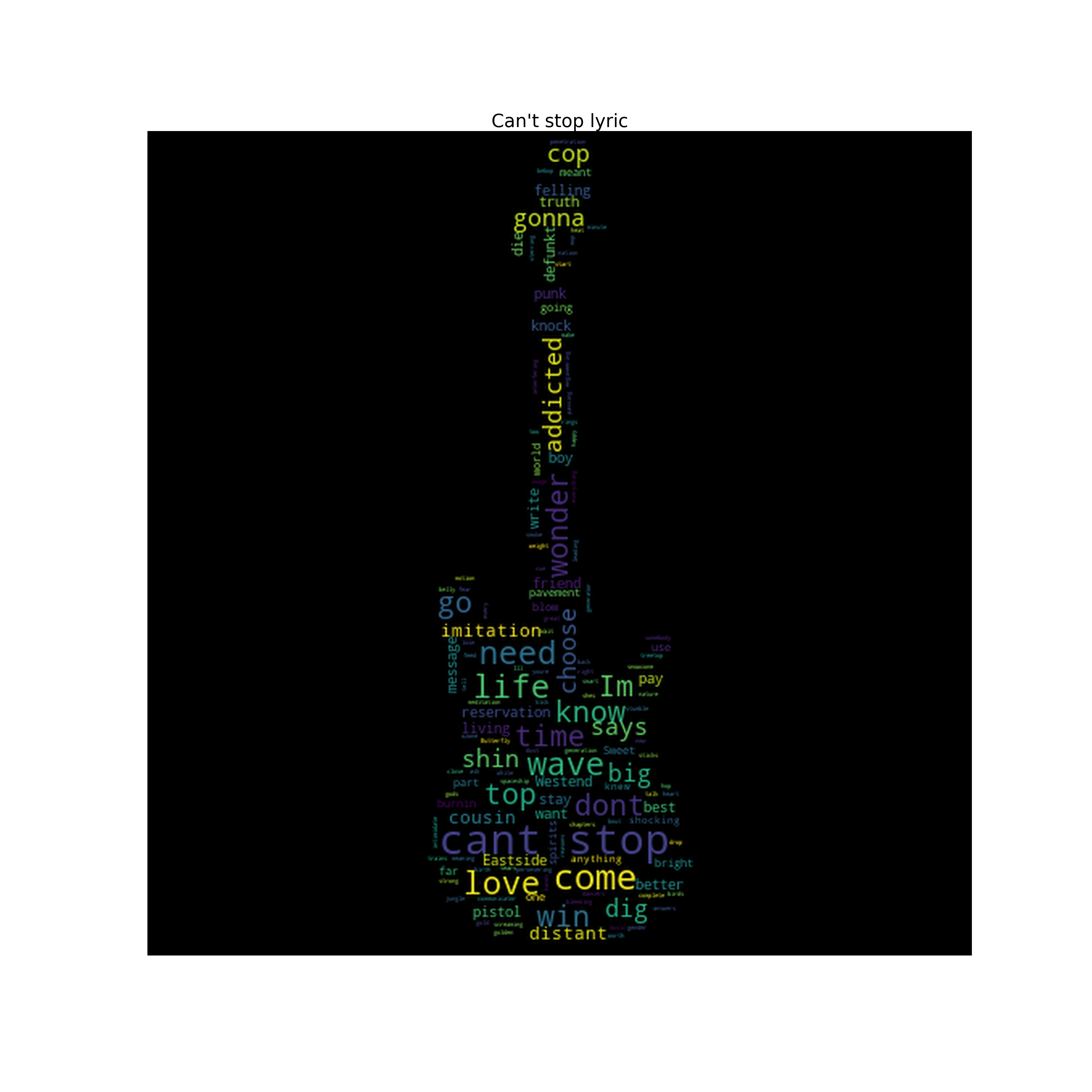
#마지막으로 이것을 위의 이름으로 저장까지!
'개발의 흔적 > 데이터분석' 카테고리의 다른 글
| #04_01 [python] html, pandas_datareader로 주식 데이터 시각화 하기 (0) | 2022.01.28 |
|---|---|
| #03_03[python] 데이터 날짜변환 heatmap (0) | 2022.01.24 |
| #03_01 [python] DataFrame (0) | 2022.01.21 |
| #01_2 [python] pandas & matplotlib 을 이용한 데이터 가공 / 시각화 (0) | 2022.01.21 |
| #02 [python] folium library - 데이터 지도로 시각화 (0) | 2022.01.21 |